
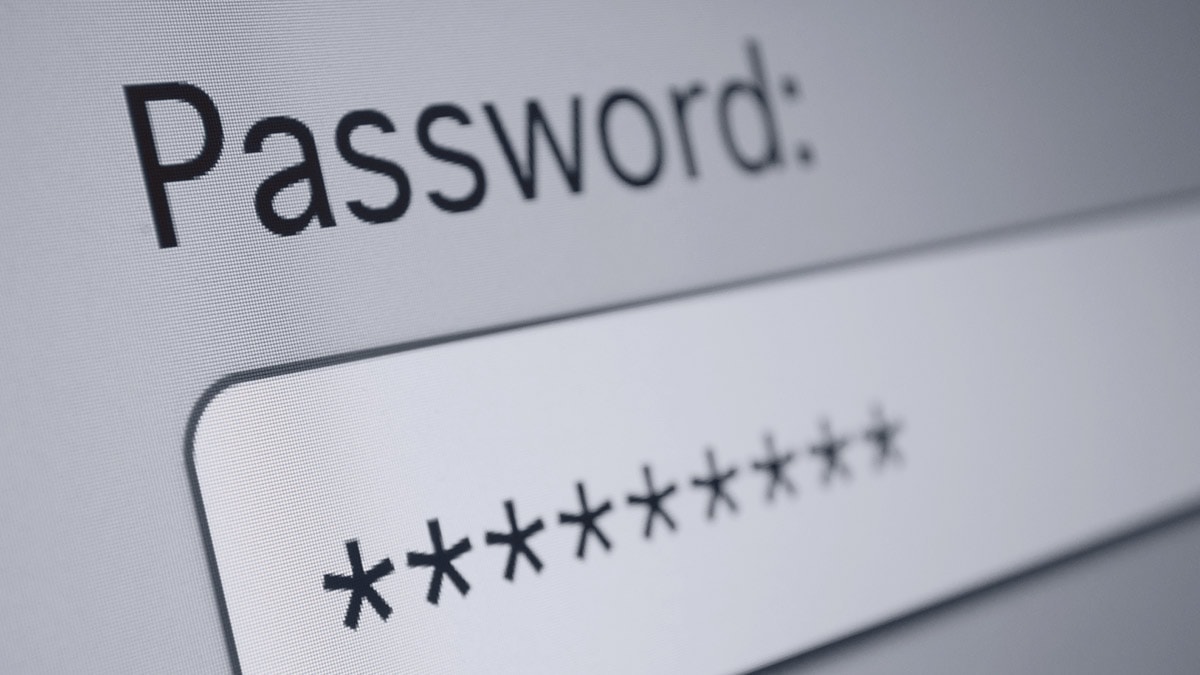
Good password = good idea

This time of year, with all the online shopping, shipping, and marketing to be done, you might find yourself signing up for several web-based products or services (like VerticalResponse). While it’s tempting to rush through these sign up processes to place your order faster or start using the product more quickly, you want to use a strong password (or passwords) to keep your information and data secure.
With seemingly monthly data breaches of big companies like Home Depot and Target, data security is top of mind for more people. Aside from having a good password, we suggest setting up two-factor authentication (2FA), whenever possible.
You’ll want to set up 2FA on email accounts, online banking profiles, credit cards and even your social media accounts. Two-factor authentication requires two steps of verification as an added layer of security. Entering your user name and password would be considered a single factor or layer of authentication. A PIN number (something you know), ATM card (something you have) or text message would be considered a second factor.
Google makes 2FA easy by sending a random confirmation number to your preregistered mobile number to input into their sites before you are allowed to log in. The recently announced ApplePay is a also huge step forward for 2FA because it uses your fingerprint to authenticate your transaction.
On the flip side of high security, Mashable unveiled its “25 Worst Passwords of the Year” from 2013, which highlights some of the worst and most hackable passwords. If you see your password on here, it might be time for a new one!
SplashData, the company behind all the data, compiled their list “from files containing millions of stolen passwords posted online by hackers” and stated that “Hackers can easily break into many accounts just by repeatedly trying common passwords.” So when they say “worst,” they mean the most common, and therefore the most easily stolen.
Here’s the list:
- 123456
- password
- 12345678
- qwerty
- abc123
- 123456789
- 111111
- 1234567
- iloveyou
- adobe123
- 123123
- admin
- 1234567890
- letmein
- photoshop
- 1234
- monkey
- shadow
- sunshine
- 12345
- password1
- princess
- azerty
- trustno1
- 000000
We are a little disappointed not to see “opensesame” on this list. Wait, we’ve said too much…
Google also provides some helpful do’s and don’ts for creating stronger, more secure passwords including the following:
- Use a unique password for each of your important accounts
- Change your password often
- Use a mix of letters, numbers, and symbols in your password
- Don’t use personal information or common words as a password
- Make sure your backup password options are up-to-date and secure
- Keep your passwords secure
If you feel like you won’t be able to remember several different logins, use an online password manager to help you keep track. Hopefully this post is just a friendly refresher course on password and data security. But, if your password does happen to be “password,” go ahead and change it; we won’t tell anybody.
Post originally published December 12, 2011 – Updated November 28, 2014
Join 140,000 small business owners
 SUBSCRIBE
 © 2014 – 2018, Contributing Author. All rights reserved.



 Features
 Pricing
 Partner
 Blog
Blog Support
 More resources
 Terms of Services
 Privacy Policy